
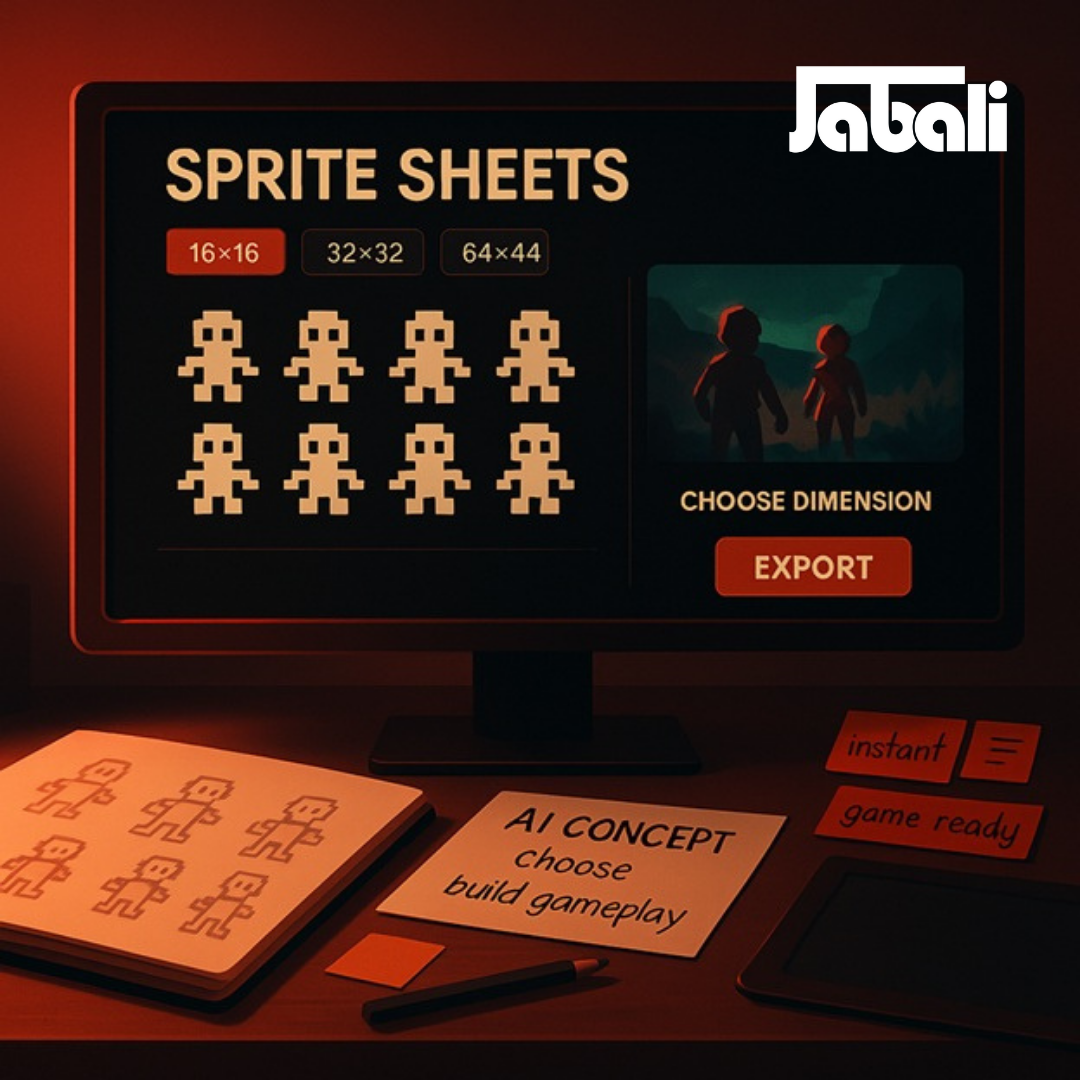
Game-Changing Assets: How To Create A Sprite Sheet Instantly With Jabali AI
By Jabali Team · Published on Dec 17, 2025
Forget spending days painstakingly drawing, aligning, and slicing individual frames for your 2D game animations.
The world of AI Asset Generation is revolutionizing game design, and tools like Jabali AI are leading the charge by turning a simple text prompt into a perfectly aligned, game-ready sprite sheet in minutes.
This guide breaks down the revolutionary method to generate high-quality assets using Jabali, focusing on the powerful prompt engineering techniques that make it all possible.
What is a Sprite Sheet and Why Use AI to Create It?
A sprite sheet is a single image file that contains multiple frames of an animation, organized in a grid.
Game engines use this sheet to quickly display a sequence of images (the frames) to create the illusion of movement—such as a character walking, jumping, or attacking.
Traditionally, creating these sheets required significant artistic skill and time:
- Manual Drawing: Creating every frame for every action.
- Alignment: Ensuring every frame is perfectly sized and positioned for seamless animation.
- Slicing: Exporting the final sheet for use in the game engine.
AI generation—specifically with platforms like Jabali—cuts this workflow down from days to minutes.
You simply describe your vision, and the AI handles the complex, repetitive task of drawing and arranging the frames, freeing you to focus on gameplay and storytelling.
The Power of Prompt Engineering in AI Asset Generation
The secret to generating a perfect sprite sheet lies in a specific, detailed text prompt.
The AI acts on your instructions, so you need to be its most specific art director.
This is the essence of prompt engineering.
Here is the formula for a high-quality sprite sheet prompt in Jabali:
$$\text{Character/Asset Description} + \text{Art Style} + \text{Animation Details} + \text{Output Format}$$
1. Define Your Character and Style
Start with the core visual details.
Consistency is key for your character across all frames.
Character/Asset:
"A brave medieval knight, with silver armor and a flowing red cape."
Art Style:
"in a 16-bit pixel art style," or "clean, modern cartoon aesthetic."
Pro Tip:
Always specify your desired art style (e.g., pixel art, 8-bit, low-poly, vector) to ensure the AI generates assets that match your game's aesthetic.
2. Detail the Animation Sequence
This is the most critical part: clearly state the action and the number of frames for the animation’s fluidity.
Action & Sequence:
"Create a walk cycle animation" or "a sword attack combo."
Frame Count:
"using 8 frames" or "a 6-frame loop."
Example:
"A walk cycle animation of a brave medieval knight, with silver armor and a flowing red cape, in a 16-bit pixel art style, using 8 frames."
3. Specify the Output Format
To ensure the sheet is game-ready, include specifications that help the AI organize the output.
Arrangement:
"arranged in a horizontal strip" or "in a 2x4 grid layout."
Technical Details:
"with a transparent background" and "consistent sizing."
Refined Prompt Example:
"Create a sprite sheet for a side-view walk cycle of a mischievous green slime monster, 8 frames, in a vibrant 16-bit pixel art style. Arrange the frames in a horizontal strip with a transparent background."
Transform Your Workflow: From Idea to Integration
Using Jabali AI to generate your sprite sheets dramatically accelerates the first stages of your game development pipeline:
| Old Workflow (Manual) | New Workflow (Jabali AI) | Time Saved |
|---|---|---|
| Concept & Sketching | Prompt Engineering | Hours → Minutes |
| Drawing All Frames | AI Generation | Days → Seconds |
| Aligning & Slicing | Download & Import | Hours → Minutes |
Once your high-quality PNG sprite sheet is generated, the final step is simple:
Download the asset and import it directly into your game engine (like Unity or Godot).
Because the frames are already aligned and consistent, you can immediately begin slicing the sheet and setting up your animation component.
By mastering these prompt engineering techniques, you transform Jabali AI into an indispensable tool—instantly bridging the gap between a creative concept and a fully animated, high-quality 2D game asset.