
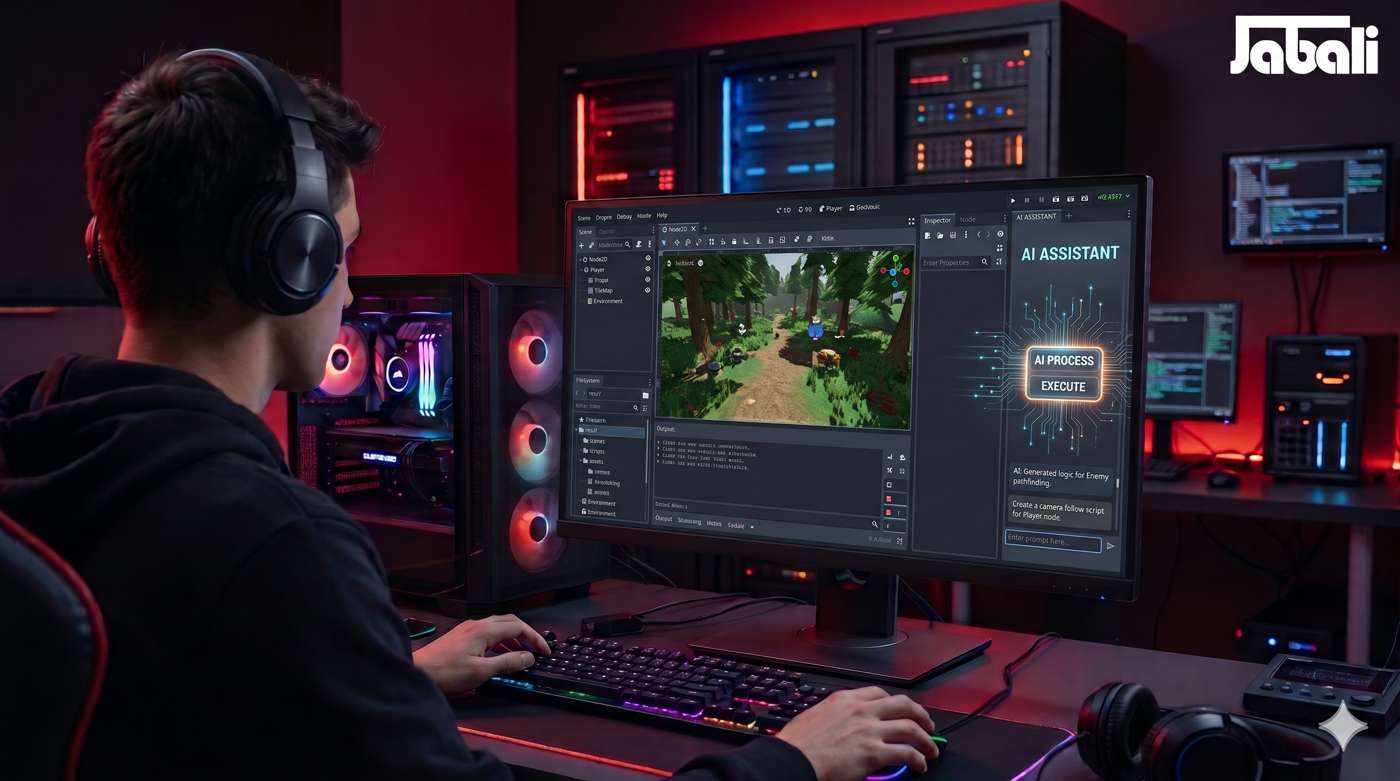
Godot AI Assistant: 3 Ways to Add One (2026 Guide) | Jabali
How to add an AI assistant to your Godot workflow — AI game makers with Godot integration, coding assistants for GDScript, and editor plugins. Setup steps and tips.
Jabali AI
Nov 3, 2026
6 min read
Godot AI Assistant: 3 Ways to Add One (2026 Guide)
Direct answer: There are three ways to add an AI assistant to Godot: (1) use an AI game maker with Godot integration like Jabali Studio — AI produces your game as a Godot-compatible project, no plugin needed; (2) pair Godot with an AI coding assistant (Cursor, Claude, ChatGPT) that writes and explains GDScript; or (3) install a community editor plugin that brings LLM features into the Godot editor. Option 1 needs zero coding; options 2–3 reward it.
Key Takeaways
- Godot has no official built-in AI — assistants come from outside tools.
- The three routes: integrated AI game maker, coding assistant, editor plugin.
- Non-coders: route 1 (Jabali) is the only one that produces a complete game, not just code help.
- Coders: route 2 (Cursor/Claude + Godot docs) is the strongest daily setup.
- Whatever the route: specify Godot 4.x, verify against official docs, keep scenes modular — the three rules of AI-assisted Godot work.
Route 1: AI game maker with Godot integration (no code)
How it works: You describe the game; the AI produces the complete project — scenes, scripts, assets, UI — in a Godot-compatible structure. Jabali Studio does this natively: Bali, the AI producer, builds and iterates the game, and Godot integration means your project stays engine-real, with full source-code access. Setup: none — it runs in the browser. Open your project in Godot whenever you want engine-level access. Best for: creators who want the game, not the workflow. Also ideal for prototyping before committing to manual Godot work.
Route 2: Coding assistant + Godot (for coders)
How it works: You keep your normal Godot workflow and add an LLM at the code layer. Setup:
- Choose your assistant: Cursor (editor-integrated), Claude/ChatGPT (chat), or Copilot
- Give it context: paste your scene tree and relevant scripts — GDScript context dramatically improves output
- Work in small asks: "write a state machine for this enemy," "explain this physics error," "convert this to Godot 4 signal syntax"
- Verify API details against the official Godot docs — assistants confidently invent method names Best for: developers and students who want speed and tutoring without giving up control.
Route 3: Editor plugins (for editor dwellers)
How it works: Community-built plugins embed LLM features — chat, script generation, doc search — directly in the Godot editor. Setup:
- Browse the Godot Asset Library for AI/LLM plugins
- Check maintenance: last commit date, Godot 4.x support, issue activity — plugin rot is common
- Add your API key in the plugin settings (most require your own LLM account)
- Keep usage scoped: generation of boilerplate, explanations, and doc Q&A are the reliable features Best for: tinkerers who want everything inside one window.
The 3 rules of AI-assisted Godot (all routes)
- Say "Godot 4.x" every time. Models default to Godot 3 patterns; version drift causes most AI-Godot errors.
- Verify against the docs. AI assistants hallucinate API signatures; the official Godot documentation is the source of truth.
- Keep the scene tree modular. Small scenes, single-responsibility scripts. AI (and future you) handles modular projects far better than god-objects.
Frequently Asked Questions
Q: How do I add an AI assistant to Godot? A: Three ways: use an AI game maker with Godot integration (Jabali Studio — no code needed), pair Godot with a coding assistant like Cursor or Claude, or install a community AI plugin from the Godot Asset Library. Q: Does Godot have a built-in AI assistant? A: No. Godot has no official AI features; all AI assistance comes from external tools or community plugins. Q: What's the best free AI assistant for Godot? A: For complete games without coding: Jabali (free during early access). For code help: the free tiers of Claude or ChatGPT used alongside the Godot docs. Q: Can AI create Godot scenes, not just scripts? A: Yes — integrated tools (Jabali) generate scene structure, nodes, and assets together with scripts. Chat-based assistants can draft .tscn content but need more supervision. Q: Is AI-generated GDScript reliable? A: Mostly yes for standard patterns (movement, state machines, signals) — with two caveats: always specify Godot 4.x, and verify API calls against the docs, since models occasionally mix versions or invent methods. Q: Will an AI assistant work with Godot 4.5+? A: Current assistants handle Godot 4.x well when you state the version explicitly. For bleeding-edge releases, expect a lag and lean more on the official changelog and docs.
Related reading
Structured data (paste into page head)
{
"@context": "https://schema.org",
"@type": "BlogPosting",
"headline": "Godot AI Assistant: 3 Ways to Add One (2026 Guide)",
"description": "How to add an AI assistant to your Godot workflow — AI game makers with Godot integration, coding assistants for GDScript, and editor plugins. Setup steps and tips.",
"author": {"@type": "Organization", "name": "Jabali", "url": "https://jabali.ai"},
"publisher": {"@type": "Organization", "name": "Jabali", "url": "https://jabali.ai"},
"datePublished": "2026-08-08",
"dateModified": "2026-08-08",
"mainEntityOfPage": "https://jabali.ai/blog/godot-ai-assistant-how-to-add-one",
"image": "https://jabali.ai/og/godot-ai-assistant.jpg"
}
{
  "@context": "https://schema.org",
  "@type": "HowTo",
  "name": "How to add an AI assistant to your Godot workflow",
  "step": [
    {"@type": "HowToStep", "name": "Choose your route", "text": "Integrated AI game maker (no code), coding assistant (for coders), or editor plugin (for editor dwellers)."},
    {"@type": "HowToStep", "name": "Set up", "text": "Integrated: open Jabali in the browser. Assistant: install Cursor/Claude and share project context. Plugin: install from Godot Asset Library and add your API key."},
    {"@type": "HowToStep", "name": "Work in small, versioned asks", "text": "Specify Godot 4.x, request one component at a time, and verify API details against the official docs."},
    {"@type": "HowToStep", "name": "Keep scenes modular", "text": "Small scenes and single-responsibility scripts get the best results from every AI route."}
  ]
}
{
  "@context": "https://schema.org",
  "@type": "FAQPage",
  "mainEntity": [
    {"@type": "Question", "name": "How do I add an AI assistant to Godot?", "acceptedAnswer": {"@type": "Answer", "text": "Three ways: an AI game maker with Godot integration (Jabali Studio — no code needed), a coding assistant like Cursor or Claude, or a community AI plugin from the Godot Asset Library."}},
    {"@type": "Question", "name": "Does Godot have a built-in AI assistant?", "acceptedAnswer": {"@type": "Answer", "text": "No. All AI assistance comes from external tools or community plugins."}},
    {"@type": "Question", "name": "What's the best free AI assistant for Godot?", "acceptedAnswer": {"@type": "Answer", "text": "For complete games without coding: Jabali (free during early access). For code help: free tiers of Claude or ChatGPT alongside the Godot docs."}},
    {"@type": "Question", "name": "Can AI create Godot scenes, not just scripts?", "acceptedAnswer": {"@type": "Answer", "text": "Yes — integrated tools generate scene structure, nodes, and assets together with scripts. Chat assistants can draft scenes but need supervision."}},
    {"@type": "Question", "name": "Is AI-generated GDScript reliable?", "acceptedAnswer": {"@type": "Answer", "text": "Mostly yes for standard patterns, with two caveats: always specify Godot 4.x and verify API calls against the docs."}},
    {"@type": "Question", "name": "Will an AI assistant work with Godot 4.5+?", "acceptedAnswer": {"@type": "Answer", "text": "Current assistants handle Godot 4.x well when you state the version; expect a lag on bleeding-edge releases and lean on the changelog."}}
  ]
}
{
  "@context": "https://schema.org",
  "@type": "BreadcrumbList",
  "itemListElement": [
    {"@type": "ListItem", "position": 1, "name": "Home", "item": "https://jabali.ai"},
    {"@type": "ListItem", "position": 2, "name": "Blog", "item": "https://jabali.ai/blog"},
    {"@type": "ListItem", "position": 3, "name": "Godot AI Assistant: 3 Ways to Add One (2026 Guide)", "item": "https://jabali.ai/blog/godot-ai-assistant-how-to-add-one"}
  ]
}
Image plan
- Hero: AI panel in engine editor (alt: see frontmatter
og_image_alt)